

The Real Reason Expense Tracking Fails
You've probably tried this before. Downloaded an app, opened a spreadsheet, promised yourself you'd log every coffee. Then life got busy, a few receipts went in the bin, and within two weeks the "system" was abandoned.
The problem isn't discipline. It's friction. Most tracking methods ask you to stop, open an app, navigate a menu, pick a category, type an amount, and hit save — every single time you spend anything. That's five steps for a €3 coffee. Nobody keeps that up.
The good news is that modern apps have made a lot of this automatic. Here's what effortless tracking actually looks like.
What Makes Tracking Feel Like Work (And What Doesn't)
There's a clear line between things that feel effortful and things that don't:
Feels like work:
- Manually typing amounts and merchants
- Choosing categories from long dropdown lists
- Trying to remember what you spent three days ago
- Building reports or spreadsheets by hand
Doesn't feel like work:
- Snapping a photo of a receipt at the register
- Typing three words into an app ("lunch 12")
- Glancing at a weekly summary that's already there
The first group requires active attention. The second is something you can do in under ten seconds without breaking your train of thought.
The Approach That Actually Sticks
Scan receipts immediately
The moment you get a receipt — at a cafe, a supermarket, a pharmacy — take a photo in your expense app before you pocket it. With a good receipt scanner, the merchant, amount, and category fill in automatically. The whole thing takes about five seconds.
The key word is immediately. Not "later when I'm at my desk." Paper receipts get lost; thermal receipts fade; memory fades faster. Five seconds at the register beats ten minutes of reconstruction on Sunday evening.
Use quick text for cash and small purchases
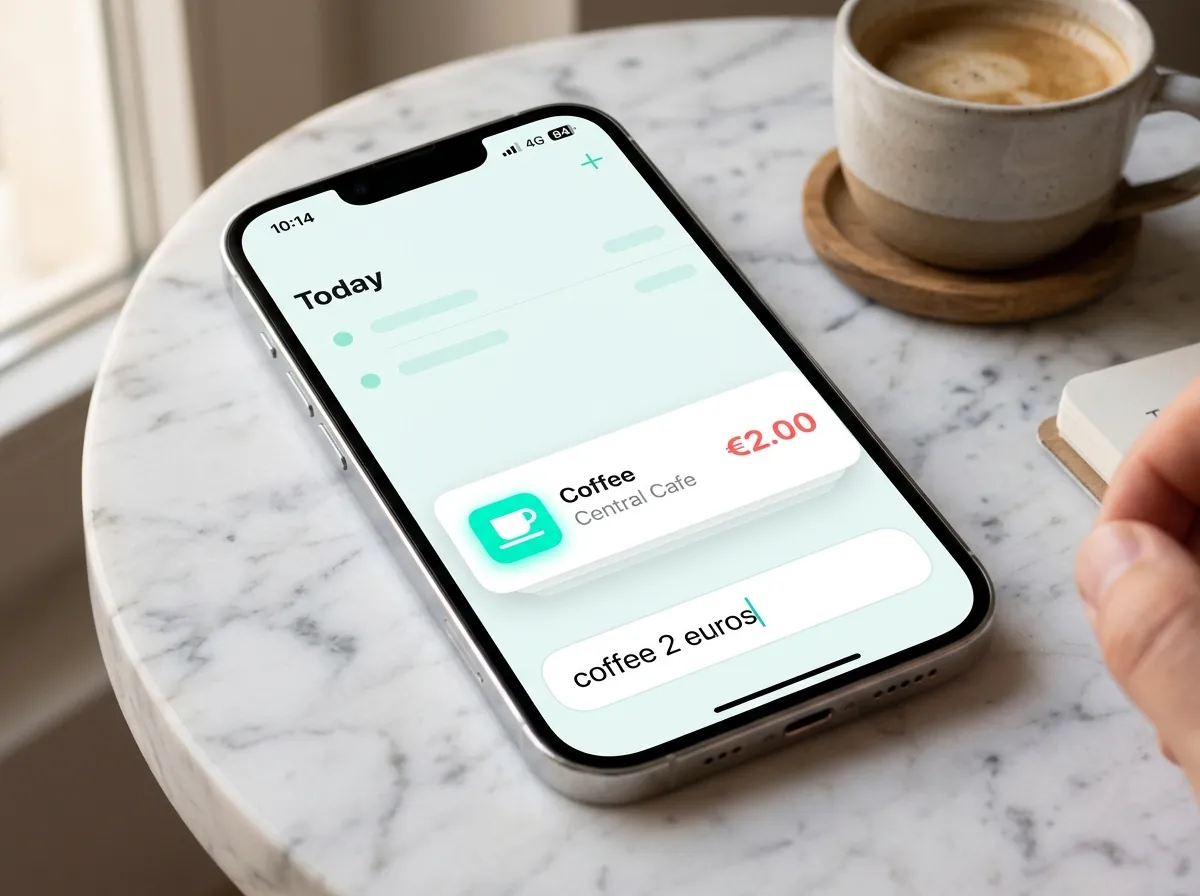
When there's no receipt — cash at a market, a street food lunch, splitting a bill with friends — just type a short note: "coffee 2.50" or "taxi home 11". A decent app will figure out the category from context.
This takes about ten seconds and requires no decisions. It's genuinely faster than finding a pen.
Don't review daily — once a week is plenty
One of the reasons people abandon tracking is that it starts to feel like homework they're always behind on. You don't need to check your spending every day.
Once a week, spend five minutes looking at the summary. You're not doing accounting — you're just getting a sense of where things went. That weekly pulse check is usually enough to spot anything surprising.
Let the app do the analysis
A good expense app shouldn't just store your data — it should tell you something useful about it. Category breakdowns, week-over-week comparisons, highest-spend days — all of this should appear automatically when you open the app, not after you've built a pivot table.
Setting Realistic Expectations
Effortless tracking doesn't mean perfect tracking. Missing the occasional coffee isn't a problem. Getting 85% of your expenses logged consistently is enormously more useful than trying to capture 100% and burning out in week three.
Start with one habit: snap receipts immediately after you pay. That alone changes the picture significantly. Add quick-text notes for cash purchases a week or two later. By the end of a month, you'll have a meaningful baseline.
A Note on Bank Sync vs. Receipt Scanning
Some apps connect to your bank and pull transactions automatically. It sounds like zero effort, but there are real gaps: cash purchases don't show up, transaction descriptions are often meaningless ("POS PURCHASE REF 00823"), and there's usually a 1–3 day delay.
Receipt scanning catches everything, including cash, and gives you the actual merchant name and category in real time. For most people, it's the more complete picture — especially if you travel or frequently use cash.
TrackCent was built around this exact idea: snap a receipt, or type a quick note, and your expenses are tracked. No bank link required, no setup, no categories to configure. If you want to give it a try, it's on the App Store.


