

Budgeting Apps Have a Problem
Most budgeting apps assume you want to budget. You set monthly limits per category, the app tracks spending against those limits, and you get notified when you're close to the edge.
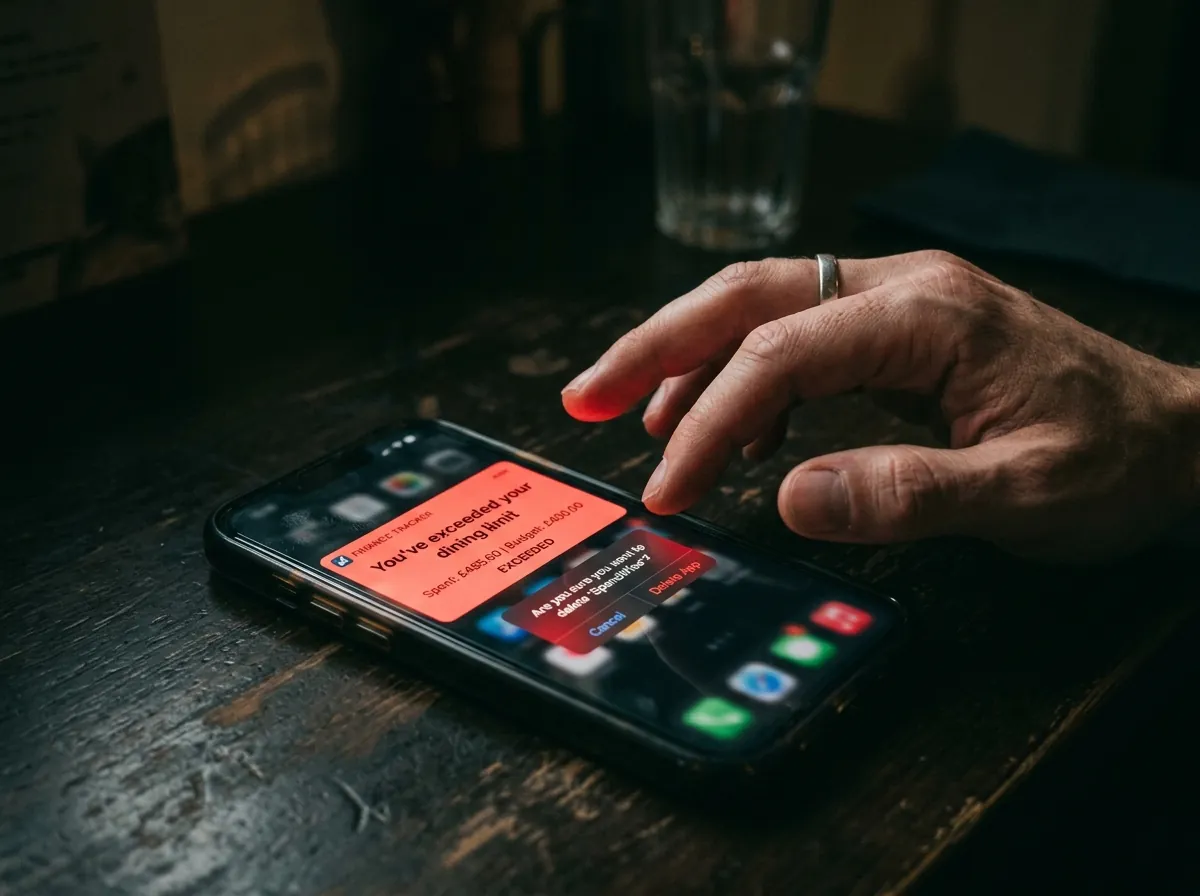
This works great if you enjoy financial planning and feel motivated by targets. For a lot of people, though, it does the opposite: it creates a sense of failure every time the notification fires, makes spending feel like something to be managed and punished, and eventually makes you stop looking at the app altogether.
The cycle usually goes like this: you download the app, spend an hour setting up your budget categories, use it diligently for about ten days, miss a few entries, decide the data is now useless, and delete it. Then repeat in three months.
If this sounds familiar, the problem isn't you — it's that the tool is designed for a different kind of person.
What You Actually Need
Budgets are about restriction. What most people actually want is awareness — a clear picture of where their money goes, without the guilt attached to it.
The difference is significant. A budget tells you that you're only allowed to spend €200 on restaurants this month. Awareness tells you that you spent €280 on restaurants last month and €190 the month before. With awareness, you have information. With a budget, you have a rule that may or may not fit your actual life.
For most people, awareness alone changes behavior. Seeing the number — the real number, not an estimate — is usually enough to prompt natural adjustments. You don't need an app to tell you you've overspent. You need an app that tells you what you actually spent.
What to Look for in a Tracker (If You Hate Budgeting)
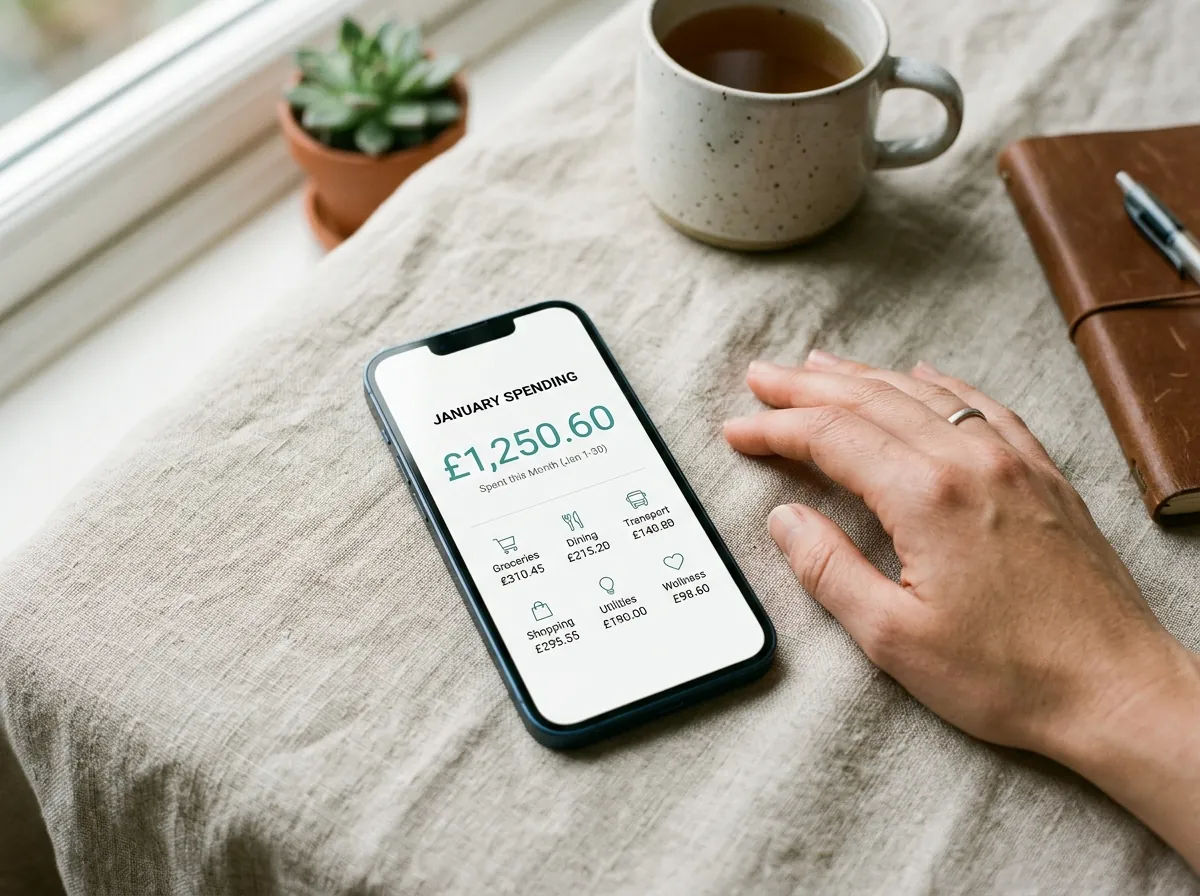
The requirements are actually pretty simple:
Fast input. Adding an expense should take under ten seconds. If the app requires more than two taps to log a coffee, it will get abandoned.
Automatic categorization. You shouldn't have to think about whether a supermarket visit is "groceries" or "household." The app should figure that out from the merchant name.
No required setup. Open the app and start. No "first, build your budget" screen, no category configuration wizard. Just log your first expense.
Clean, readable summary. Not fourteen charts and a financial health score. Just: here's where your money went this week, and here's how it compares to last week.
Optional bank connection. Connecting your bank is convenient, but it shouldn't be mandatory — and it misses cash entirely anyway.
Comparing the Main Options
| App | Receipt scanning | No bank required | Free tier | Multi-currency on free tier | No signup to start |
|---|---|---|---|---|---|
| TrackCent | ✅ | ✅ | ✅ | ✅ | ✅ |
| Spendee | ✅ | ✅ | ✅ | ❌ | ❌ |
| Monarch Money | ❌ | ❌ | ❌ | ❌ | ❌ |
| YNAB | ❌ | ❌ | ❌ | ❌ | ❌ |
| Copilot | ❌ | ❌ | ❌ | ❌ | ❌ |
YNAB and Monarch are excellent apps — but they're built around budgeting and account sync. If that's what you want, they're great choices. If you want to track without budgeting and without connecting your bank, the options narrow down quickly.
Starting Without a Budget
Here's how to start tracking expenses in a way that doesn't require setting up anything in advance:
Day one: Download an app and log your next expense. Don't configure categories, don't set limits, don't think about it. Just log the next thing you pay for.
Week one: Keep logging. Every receipt, every cash purchase. Don't review the data yet — you don't have enough of it.
Week two: Glance at the weekly summary. You'll see something you didn't expect. Everyone does.
That's it. You now have real data about your spending, and you didn't build a single budget to get there.
The moment you want to do something with the data — set a soft goal, look for subscriptions to cancel, understand why last month felt expensive — it's all there. But you don't have to do any of that to benefit from tracking.
The One Habit That Makes It Work
If there's one thing that makes expense tracking stick, it's this: log expenses immediately when they happen, not later.
Later doesn't happen. The receipt gets lost, the memory gets fuzzy, and by the end of the day you're not sure if that coffee was €2.80 or €3.40. Scan the receipt at the register or type a quick note before you put your phone away. Ten seconds now saves a lot of confusion later.
TrackCent is built for exactly this use case — quick input, automatic categorization, no bank connection required, and no budget to set up. If you want to try it, it's free to start and available on the App Store.


